
 Connexion
How to Mirror Your iPhone/iPad on Ubuntu Desktop
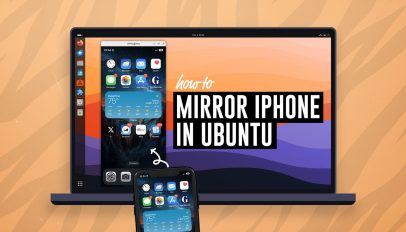 Do you want to mirror your iPhone screen on your Ubuntu desktop? There’s a free, open-source app in the Ubuntu repos that lets you do it. If you’re looking to mirror your iPhone or iPad to Ubuntu UxPlay is the easy way to do it — and it’s free, open-source software It’s called UxPlay and once you have installed it you can quickly share your iPhone (or iPad) screen to Ubuntu with audio, and you don’t have to install an app on your Apple device to use it. Whatever is shown on your Apple device screen is streamed to your […]
You're reading How to Mirror Your iPhone/iPad on Ubuntu Desktop, a blog post from OMG! Ubuntu. Do not reproduce elsewhere without permission.
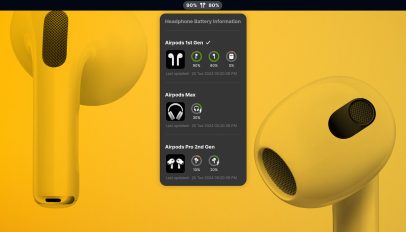 Do you use Apple AirPods or Beats wireless headphones with Ubuntu (or any Linux distribution using GNOME Shell) and want to be able to check battery levels on your desktop? Well, now you can! The new Airpod Battery Monitor GNOME Shell extension makes it easy to check the battery levels of your AirPods or Beats bluetooth headsets. Don’t See AirPods Battery Levels in Ubuntu? Apple’s wireless audio devices (including Beats, an Apple subsidiary) work “out of the box” in Ubuntu and other Linux distros) using the regular Bluetooth stack you won’t see any indication of their battery level. Not seeing […]